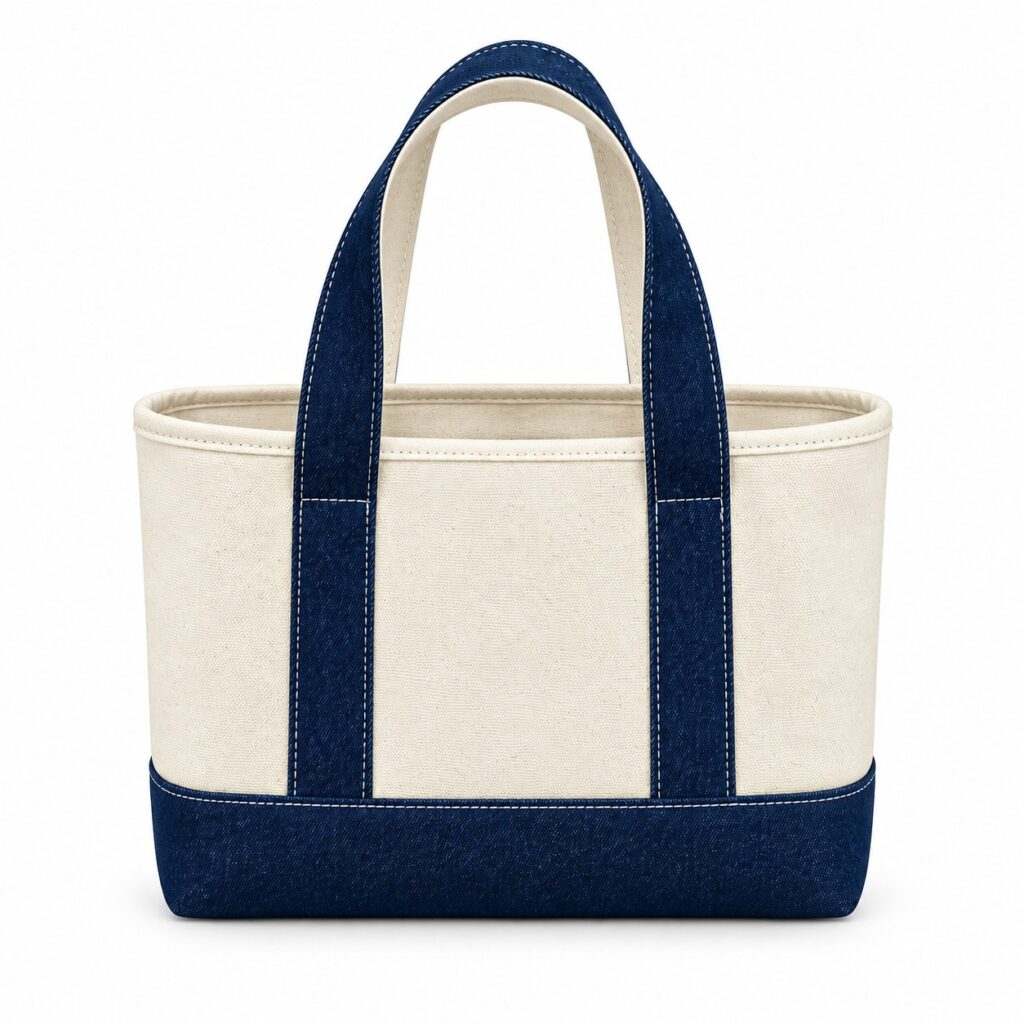
The supplier’s specification says “cotton body”. The web listing says “100% cotton throughout”. A photograph shows one colourway while the selector names another. None of these mismatches needs a new bag design. They need the purchasing and web teams to work from the same facts.
A cotton tote bag product data sheet gives purchasing and ecommerce teams one checked record to work from. It separates confirmed product facts, information controlled by the retailer and details still awaiting approval.
Give every saleable version a clear record
Start with the buyer’s product reference, variation name and the approved sample or specification version. Identify front and back artwork where the two faces differ. Do not let a web editor choose a product name from an unlabelled image folder.
Use one record for each version requiring separate control, with a link to any shared family record. Keep stable internal references when the display name is edited. Let the responsible product-data team determine identifiers and channel-specific grouping.
The existing barcode and hangtag guide covers physical identification. The data sheet must agree with that record, but its job is broader: it carries the verified information that a shopper will read online.
Divide the sheet into facts and selling fields
- Construction: finished dimensions in centimetres, measurement method, opening and any confirmed pockets or closure.
- Materials: the documented fibre composition and the components it covers, with evidence references rather than assumptions from appearance.
- Appearance: approved colour description, artwork version and the exact image set for that variation.
- Care: approved wording for the finished item, with its supporting review reference.
- Retailer-controlled fields: selling price, tax presentation, availability, delivery offer and returns information, owned by the relevant seller team.
- Open items: unresolved facts, their owner and the action needed before publication.
These categories help organise a listing; they are not a complete legal checklist for every European market. The retailer must review its applicable product-information obligations and sales-channel requirements separately.
Describe mixed components accurately
Keep the statement within the evidence. Confirmation that the body fabric is cotton does not automatically cover a zip, sewing thread, label or reinforcement. Record the component scope so the copywriter does not expand a limited statement into a claim about the whole item.
Similarly, retain any approved test or certification claim with its precise product and document scope. Do not copy a generic supplier certificate into every listing. The cotton evidence guide distinguishes composition from organic sourcing and certification claims.
For a cotton or cotton canvas tote intended for repeated use, describe the practical details a customer needs: usable dimensions, the opening, confirmed pockets and approved care. If the order has no individual sleeve or extra insert, say what is actually supplied rather than adding packaging for the sake of a photograph. Cotton content alone does not establish an environmental advantage.
Do not invent a load limit, cleaning temperature or waterproof claim to complete an empty field. Mark the information unresolved and ask for the appropriate confirmation. A product description is more useful when it is accurate than when every possible box is filled.
Connect each image to the item it represents
Link the main photograph and additional views to the correct product record. Record the variation, view, file version and permitted uses. Check that an inside view actually belongs to the item shown from the front.
A prop used to show scale should not become an included accessory in the description. Keep alternative text factual about the visible image. Avoid retouching a pocket or closure into an item that does not have it.
For retailers using Merchant Center, Google’s product data specification requires accurate product information and consistency with the landing page. Use the current channel requirements when preparing an upload; a supplier’s spreadsheet is not automatically a valid feed.
Review the live variation, not just the draft copy
Have one reviewer open each variation on a phone and another compare it with the approved record. Select the colour, inspect the image, read dimensions and care wording, and check what is included. Make sure availability and price belong to the selected item rather than another version.
Log corrections against the source sheet as well as the webpage. If only the page is corrected, a later feed or catalogue refresh may restore the old wording. Assign an owner to maintain approved facts when the construction or artwork changes.
When enquiring with Gahumi, include your product-data template alongside the proposed bag, quantity and destination. Ask which fields and supporting records can be confirmed for the project. Keep retail policy and marketplace configuration with your own team.
Request a cotton tote quotation or discuss product details on WhatsApp. Email briefs can go to gzgahumibag@gmail.com.