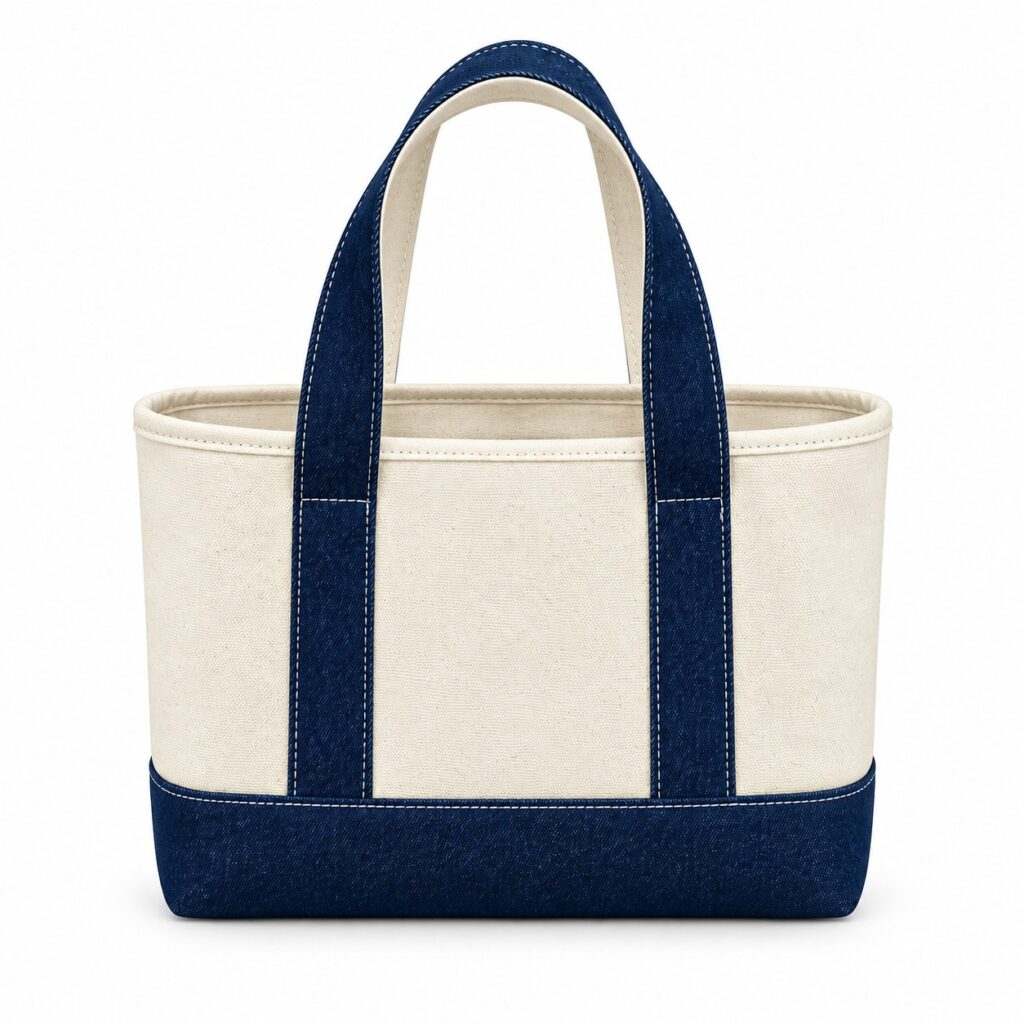
A corrected spelling is easy to miss when an order contains a different name on every bag. The drawing may be approved while the list keeps changing. Personalised cotton tote bag name printing therefore needs a clear connection between each data record and its intended printed result.
Before asking for prices, explain that individual text is required and ask whether the proposed production route can support it. A supplier’s ability to reproduce one logo does not establish that it can handle a changing name list on the same terms.
Separate the common design from the changing text
A variable text template should identify the fixed artwork, the field that changes and the permitted text area. Keep the approved logo outside the name field so that correcting a recipient does not accidentally change the shared design.
Describe the intended text treatment in ordinary language. State whether capitalisation must follow the supplied list, whether a title belongs before a name and whether an empty field should remain blank. Ask who will turn those decisions into production files.
For the fixed bag and artwork dimensions, use the existing cotton tote artwork guidelines. The additional task here is keeping individual content attached to the right record through file preparation and review.
Give every entry an identity
A personalised tote name list needs a unique record reference as well as the text to print. Two people may share a name, and one person may legitimately need more than one bag.
Keep the supplied text in its original spelling. Do not silently remove accents, shorten surnames or replace characters that fail to display in a preview. Return those records to the buyer for a decision. Include only the information needed to prepare and identify the print.
Create an exception register for blank fields, unusually long entries, duplicate references and late corrections. Each exception needs an owner and a recorded decision before the affected output is released.
How should a merged name proof be checked?
Review the output for every record against the approved source list, then inspect difficult examples at the intended print size. A correctly spelled name can still be cropped, wrapped awkwardly or reduced beyond the agreed appearance.
Adobe’s data-merge guidance describes combining a template with CSV or XML data and previewing individual data sets. It illustrates the relationship between a source record and generated artwork; it does not establish which software or personalisation service a bag supplier uses.
Use a record-to-proof check that shows the source reference beside the generated filename or preview. Agree how approval will be returned without losing that connection. A contact sheet alone may be insufficient if names cannot be read clearly.
Decide which physical examples need review
Ask the supplier how the changing text will be reproduced and what sample arrangement is possible. Select examples that expose the difficult layouts, including long names and any required accented characters. Use fictitious entries for early layout trials where real recipient information is unnecessary.
The shared bag specification still needs material and construction confirmation. If 100% cotton is required for particular components, write that separately from the personalisation request. A name proof cannot approve the bag’s composition or its finished print performance.
The quantity matrix guide can record the overall order. Keep the individual data register alongside it, because a total quantity does not show whether each requested name has the correct output.
What happens when a name changes after approval?
Issue a replacement data version that identifies the affected record and supersedes the old text. Ask whether the change can still be accepted and what extra proof, charge or timing applies before assuming the earlier approval remains usable.
At release, record the template version, data version, approved exceptions and person authorising production. Agree what identification will accompany the finished individual items so that the receiving team can reconcile them without guessing from similar names.
Prepare a personalisation enquiry
Send Gahumi the common artwork, an example data structure, expected quantity and bag specification. Explain that every name or message is different and ask whether a suitable route can be confirmed. Add the destination, postcode and required date, together with the proof and identification arrangements your team needs.
Request a project-specific feasibility and quotation response before promising individual printed bags to recipients. Keep production capability, sample availability and any data-handling arrangements as points to confirm for the enquiry.
Email your template example and data questions to gzgahumibag@gmail.com.