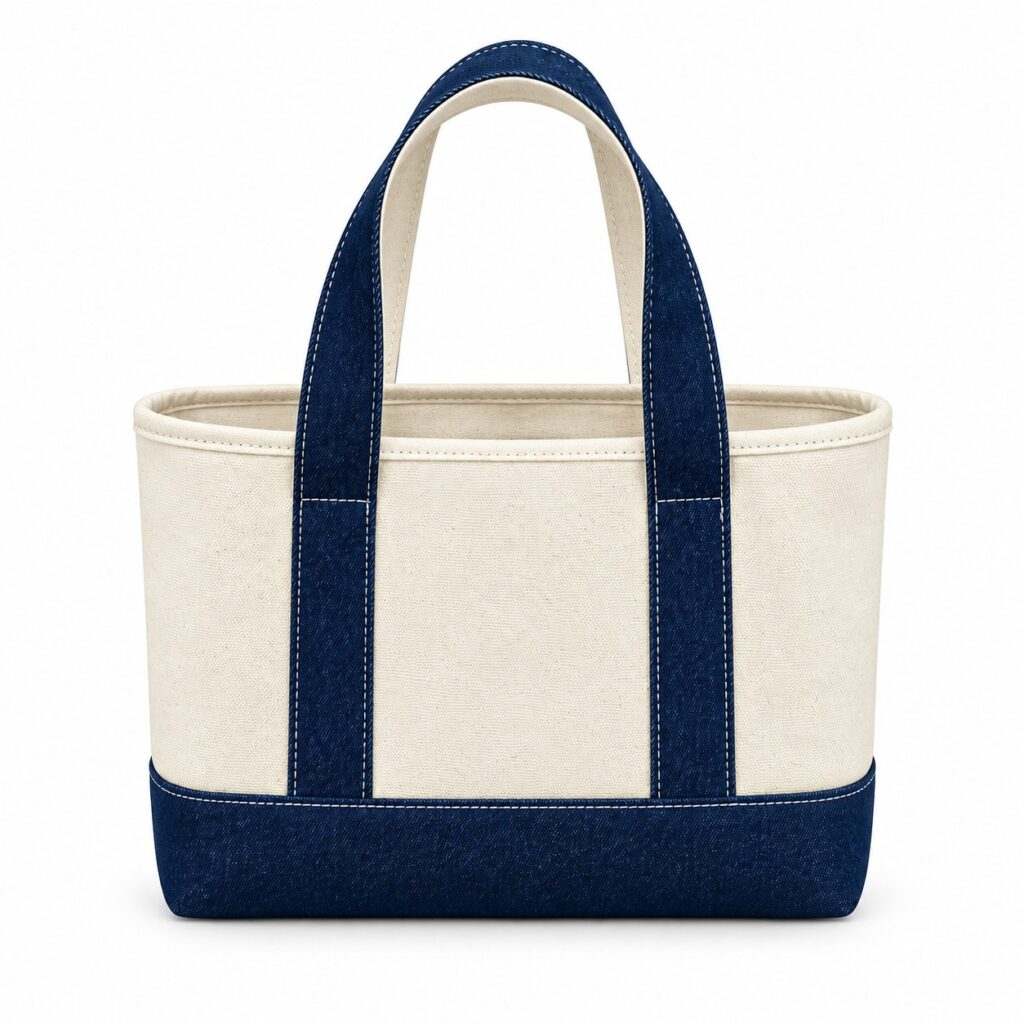
The white rectangle behind a logo belongs to the presentation, but the uploaded file contains it as artwork. Another version removes the rectangle and leaves a pale fringe around the design. Before a transfer is ordered, the buyer needs to establish which areas should appear on the tote.
Transparent backgrounds for cotton tote transfers need a specific file review. Ask the proposed provider to confirm the transfer system and its artwork requirements, then agree how backgrounds, internal white areas and soft edges will be handled.
Separate the design from its mock-up
A transfer background check should identify the artwork that belongs in production and remove presentation elements that do not. Bag photographs, explanatory arrows and fabric-colour rectangles should remain in a separately identified layout preview.
Send a preview showing the intended appearance against the proposed cloth colour. Supply the actual production artwork separately in the format agreed with the provider. Do not rely on a screenshot to demonstrate that a file contains transparency.
The artwork handoff guide covers print size and position. Keep those details attached, while making clear which file is the design to reproduce and which is only an explanation.
Does a transparent PNG remove every white area?
A file can have a transparent background and still contain intentional or unwanted white shapes within the design. Ask the reviewer to identify which areas should remain visible as white and which should reveal the fabric instead.
A white-area map can mark lettering, enclosed spaces and background shapes separately. Confirm the decision for each uncertain area before a revised file is accepted. Removing all white without checking could alter the design.
STAHLS’ UltraColor Max specifications illustrate the difference between transparent areas and white fill, and warn that unwanted background rectangles form part of the supplied artwork. These are requirements for that named product, not universal rules for every transfer provider.
Can a soft shadow be printed unchanged?
Ask the proposed provider to assess it for the selected transfer route. The answer may require an artwork adjustment or a different interpretation. Accept the revised result explicitly rather than assuming that every translucent edge can be reproduced as shown on a screen.
A soft-edge review should identify fades, shadows, translucent textures and anti-aliased fringes that need discussion. Request an annotated explanation of any proposed change, including what will be removed, made solid or otherwise altered.
Compare the revision with the original design at the intended size. Check fine lettering and enclosed gaps along with the outer edge. A strong outer outline does not settle whether the smallest internal feature remains readable.
Keep the discussion with the person preparing the actual transfer output. A designer can approve a changed visual effect, while the provider still needs to confirm that the revised file meets the proposed system’s requirements.
Approve the interpretation on the proposed bag
The accepted transfer preview should identify the artwork version, intended background colour and any authorised edge changes. Keep the unchanged source as a reference so the reasoning behind the revision remains visible.
Ask what physical sample can represent the proposal on the chosen bag material. Inspect the intended clear areas, white elements and graphic edges together. A revised digital preview alone does not establish how the finished panel will look or feel.
Name the selected cotton fabric, colour and finish in the sample record, with composition confirmed for the body and other components separately. Review the transfer on that material. Where repeat use is part of the brief, agree care instructions and checks for the finished decorated bag through the finished-bag care review. A corrected artwork background does not establish washing performance.
If the process itself remains undecided, use the screen-printing and transfer comparison before preparing route-specific files. Avoid accepting one provider’s file rules as approval of a different process.
Release a clearly identified production file
Record who checked the background and edges, which changes were accepted and which file supersedes the earlier upload. Remove obsolete versions from the active handoff without losing the source reference in the project archive.
A later change of fabric colour should reopen the appearance review where relevant. A white element or cleared space may have a different role against the new background. Identify the change before reusing an old approval.
Send the intended graphic with your enquiry
Send Gahumi the original artwork and a preview showing the desired appearance on the bag. Identify any transparent areas, white details or shadows that matter. Include the bag specification, quantity, destination, postcode and date, and ask which decoration route and sample arrangements can be confirmed for the enquiry.
If you already have a proposed transfer specification, attach it and ask who will review the production file. Keep that request separate from any assumption that a particular transfer product or artwork-editing service is available.
Send the intended artwork and background notes to gzgahumibag@gmail.com.